For Students
Access enrolled courses, live class links, assignments, discussions, progress, certificates and payment status from one dashboard.

Launch a branded LMS platform with course management, live classes, student dashboard, tutor panel, assignments, quizzes, attendance, certificates, payments and reports.
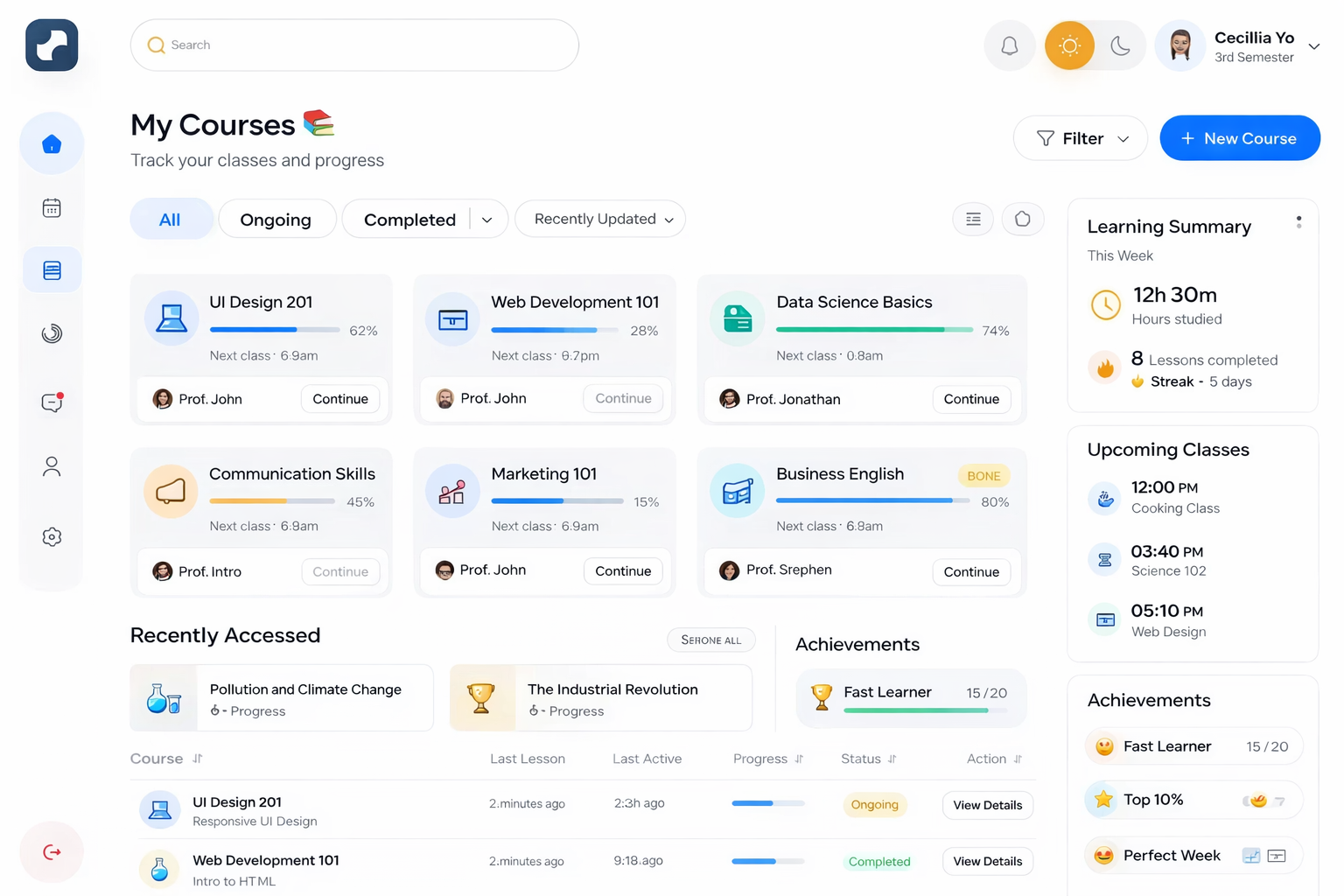
Manage courses, learners, tutors, live sessions, assessments, certificates, payments and reports from one easy-to-use LMS platform.
Access enrolled courses, live class links, assignments, discussions, progress, certificates and payment status from one dashboard.
Schedule classes, upload lessons, manage attendance, review submissions, grade assessments and communicate with learners.
Control users, courses, batches, pricing, reports, coupons, certificates, notifications and institution settings.
Start with essential LMS modules and customize them for schools, coaching centers, corporate training or online academies.
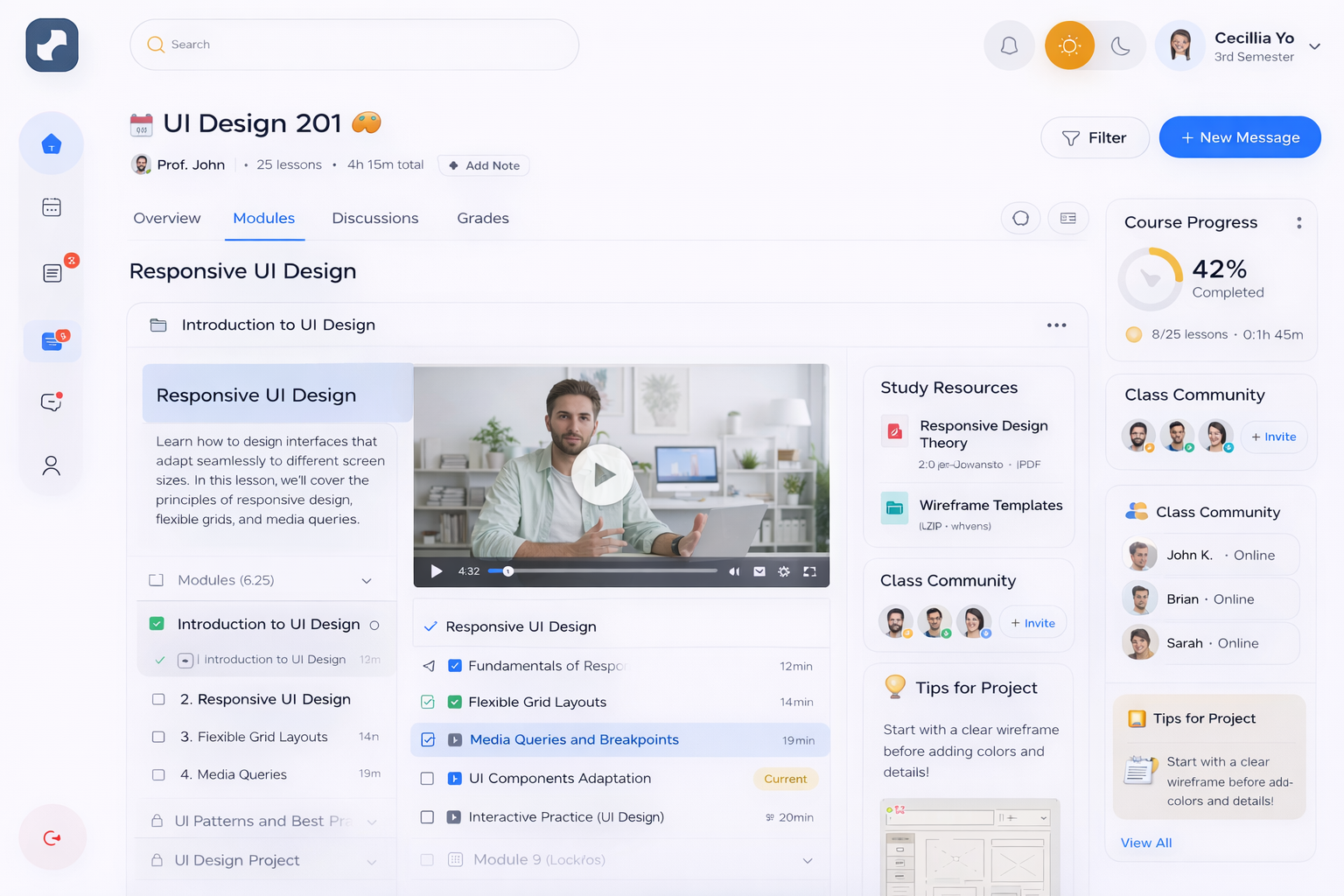
Create courses, modules, lessons, videos, PDFs, resources, prerequisites and completion rules.
Manage batches, timetables, tutor allocation, class links, reminders and attendance.
Students can view courses, upcoming classes, assignments, progress, certificates and payments.
Tutors manage classes, course content, attendance, assignments, grades, discussions and messages.
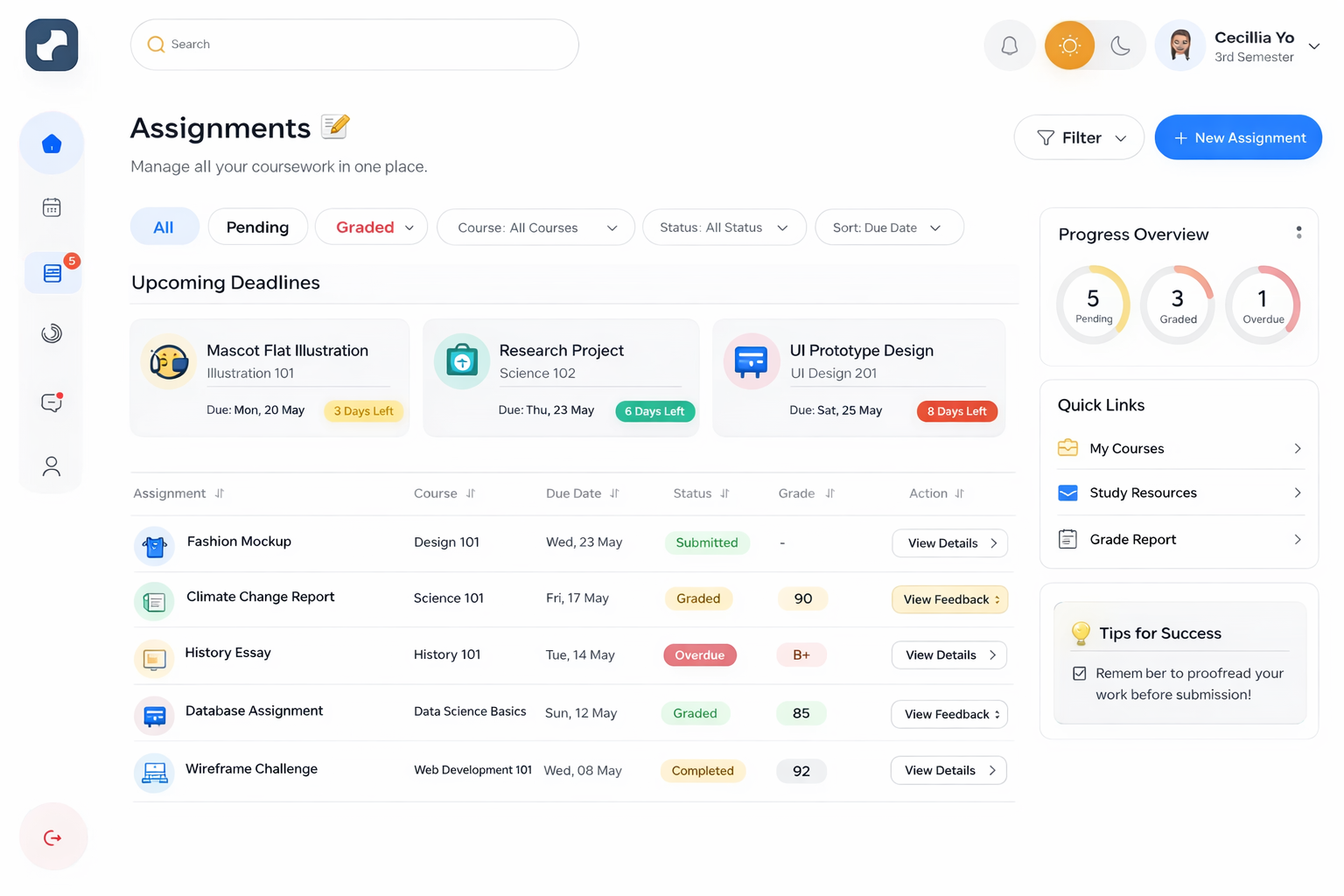
Run assignments, quizzes, exams, grading workflows, completion tracking and certificate issue rules.
Track enrollments, revenue, attendance, course completion, tutor performance and learner progress.
Give learners and tutors a clean web experience that works across desktop, tablet and mobile.
Collect submissions, grade work, track due dates and show progress clearly.
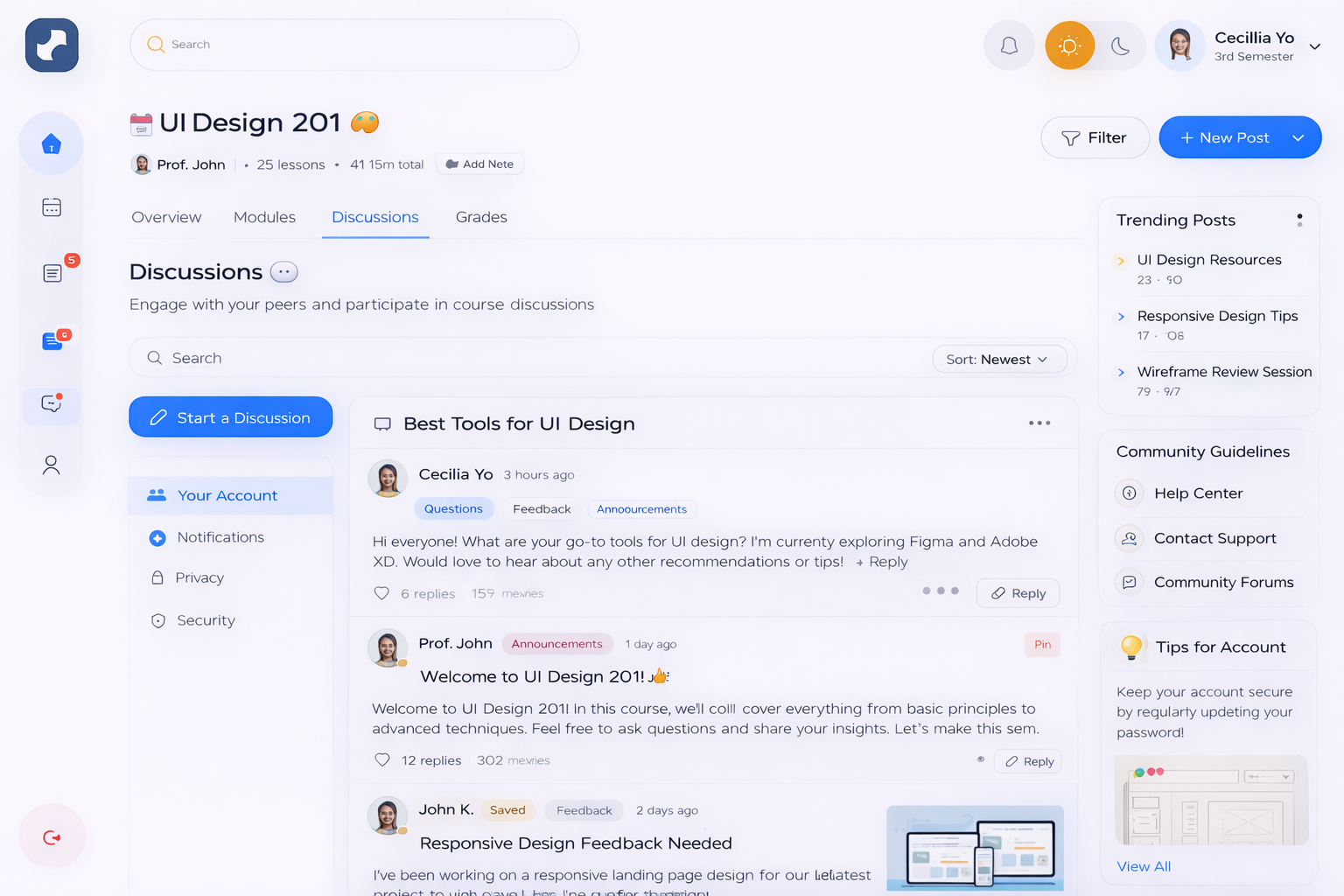
Keep learners engaged with course threads, announcements and moderated discussions.
Enable direct communication between tutors and students with message history and notifications.
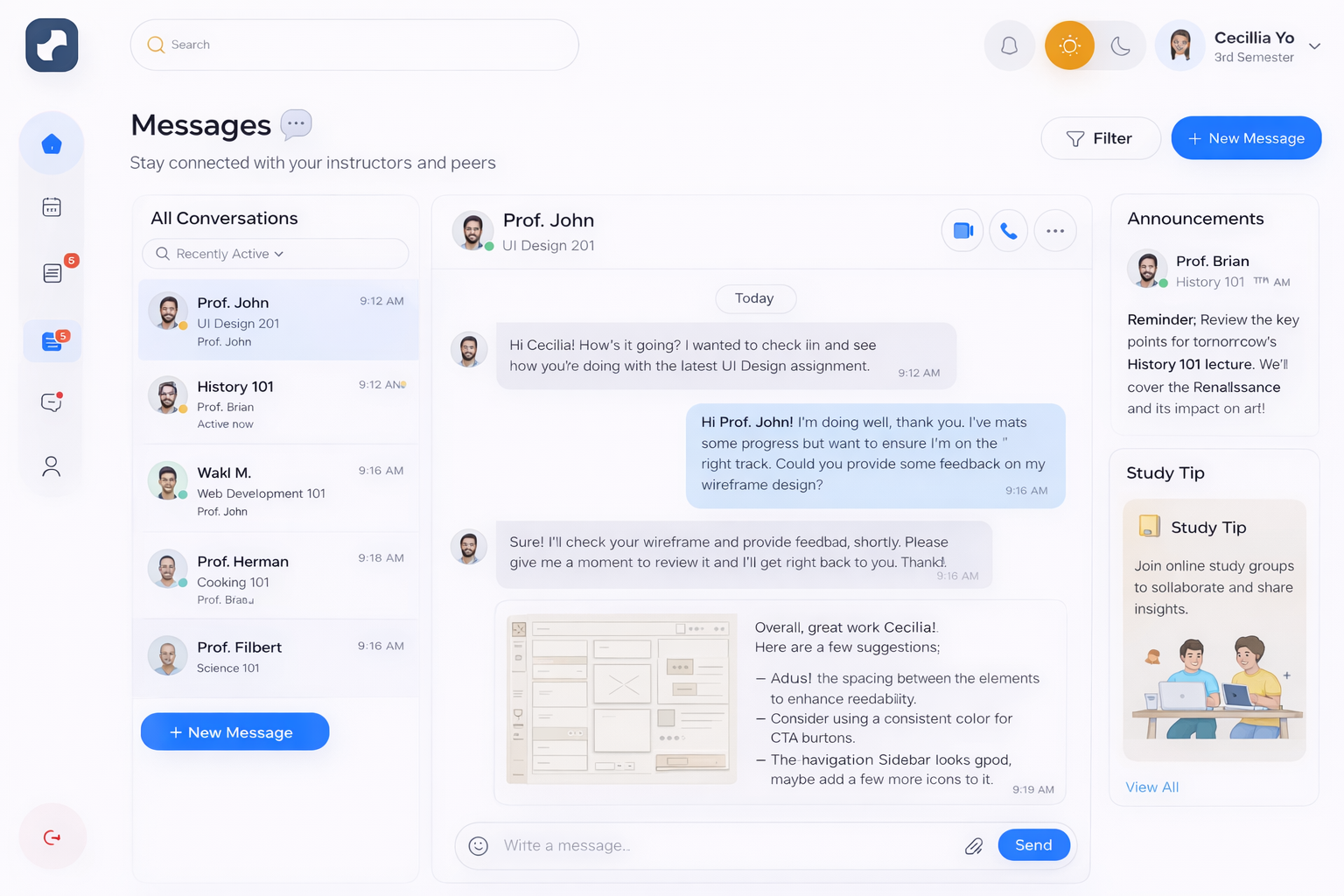
Build one LMS foundation and adapt it for different education and training business models.
Run batch-based live classes, homework, attendance, student communication and fee collection.
Add digital learning, lesson plans, assignments, attendance and performance reports to your institution.
Deliver employee training, onboarding programs, assessments, certificates and compliance reports.
Sell multiple instructor courses with pricing, coupons, ratings, payments and learner dashboards.
Upcoming classes, course progress, assignments, certificates, learning materials and payments in a clean dashboard.
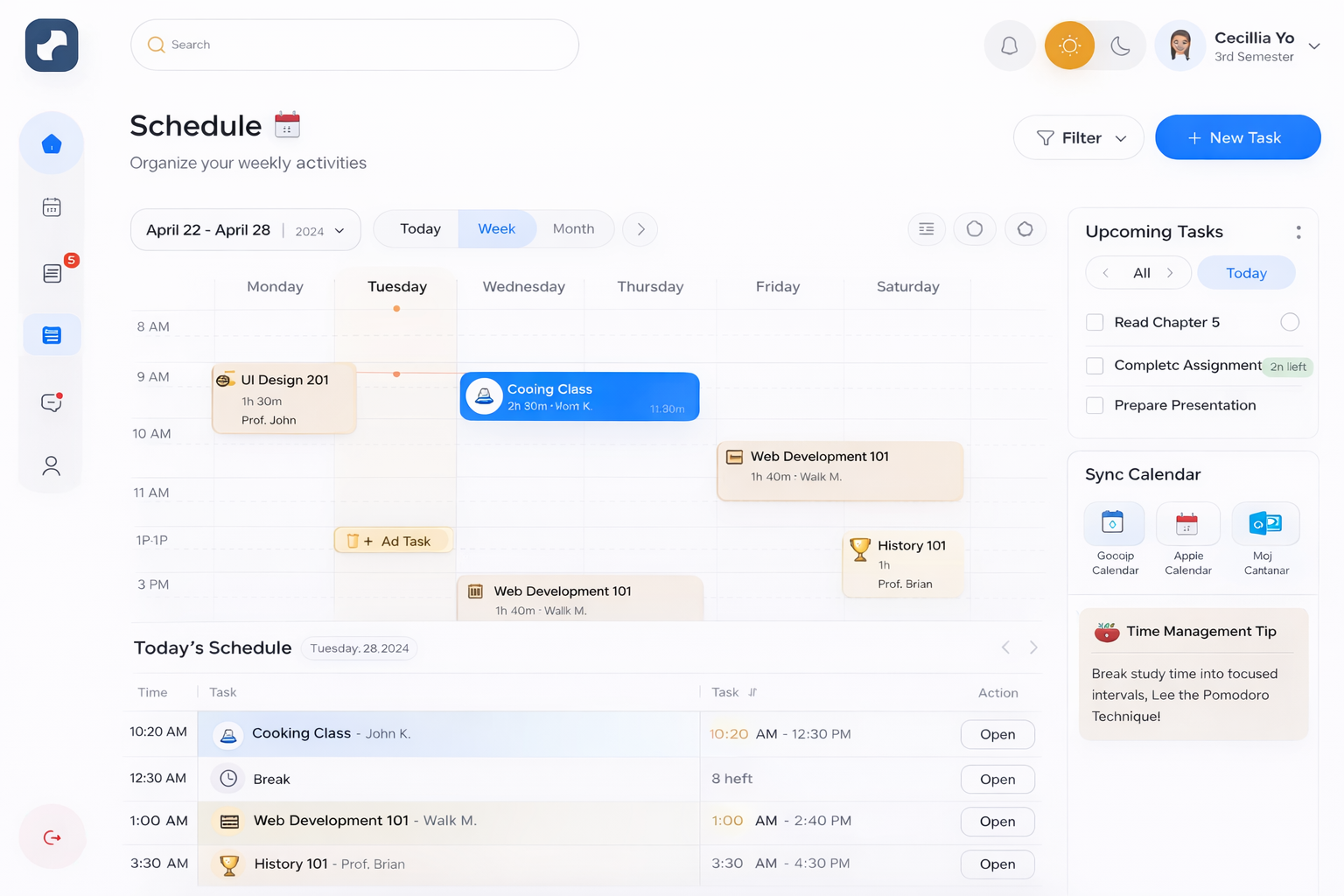
Create batches, assign tutors, set timetables, track attendance and send class reminders automatically.
Direct tutor chat, announcements and course discussions help reduce confusion and improve course completion.
We configure the LMS around your learning model, content structure and operational workflow.
We review your courses, user roles, live class needs, payment model, reports and mobile app requirements.
Your logo, colors, course structure, dashboards, tutor workflows and student screens are configured.
We connect video, payment, email, SMS, storage and analytics tools, then test all learning flows.
Your team gets admin, tutor and support training before the LMS goes live.
Quick answers about white label LMS software, live classes, assignments, payments and mobile app support.
Learning management software is a platform for creating courses, managing students, scheduling classes, running assessments, tracking progress, issuing certificates and reporting learning outcomes from one system.
Yes. The LMS can be launched under your brand with your logo, colors, domain, course structure, user roles, payment flow and optional Android or iOS apps.
Yes. You can manage live classes, recorded lessons, course modules, batches, schedules, attendance, class links and learning materials.
Yes. The system supports assignments, quizzes, submission tracking, grading, completion rules, certificates and student performance reports.
Yes. You can sell courses, subscriptions, batches or memberships using payment gateways, coupons, invoices and multi-currency pricing depending on your region.
It is suitable for schools, coaching centers, tutors, online academies, corporate training teams, course marketplaces and education startups.
 Chat on WhatsApp